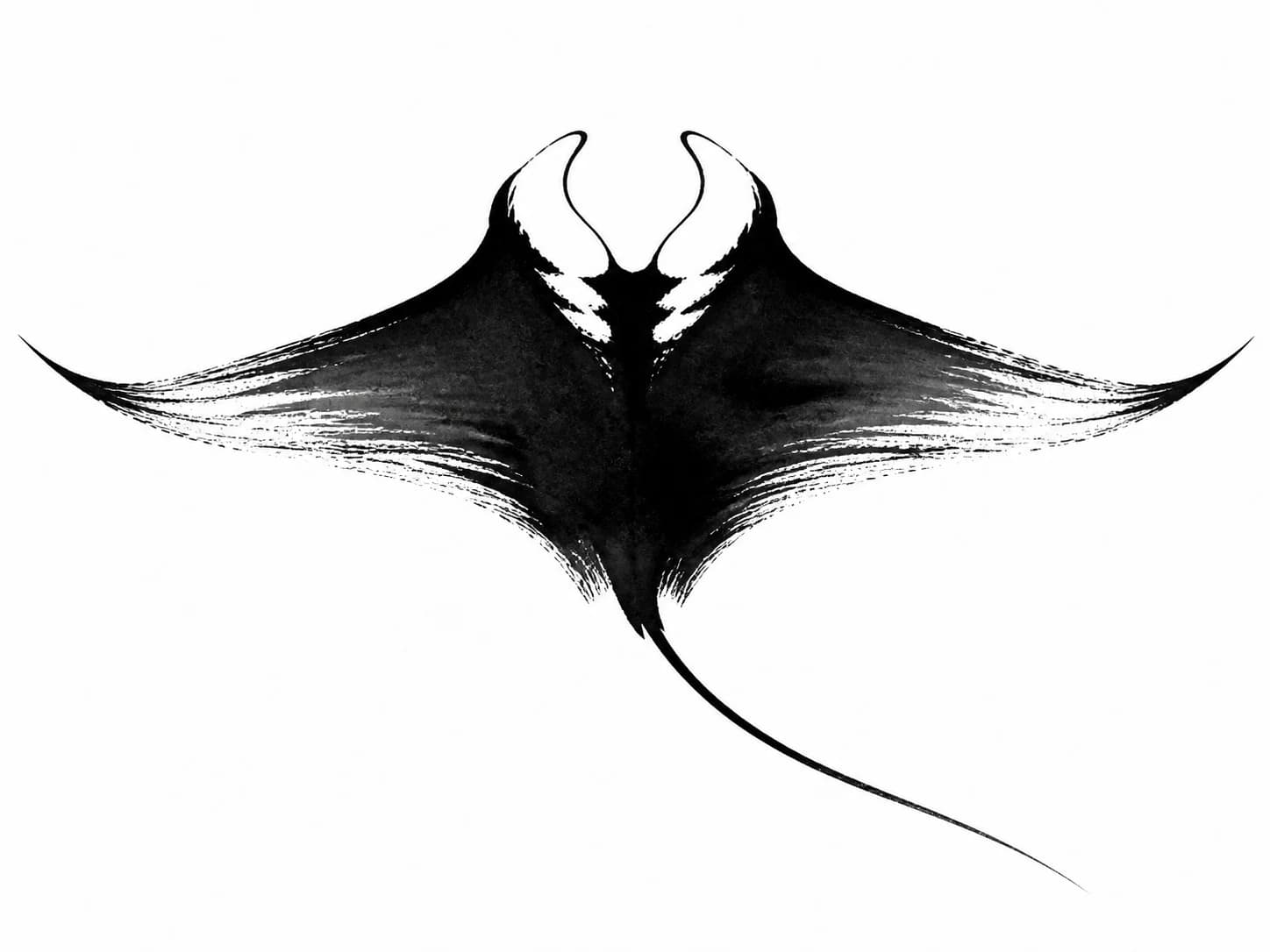
Abstract Ink · Black & Grey
Prompt
“manta ray”
The same two-word prompt produced a broad gliding composition and a taller banking composition while keeping the manta ray recognizable.
Describe your tattoo idea and compare compositions built around the subject and details you specify.
A text-to-tattoo prompt can be a subject, meaning, placement, size, or a few must-keep details. These examples show the exact prompt, selected style, and generated concept; choose one to load the same visible settings.
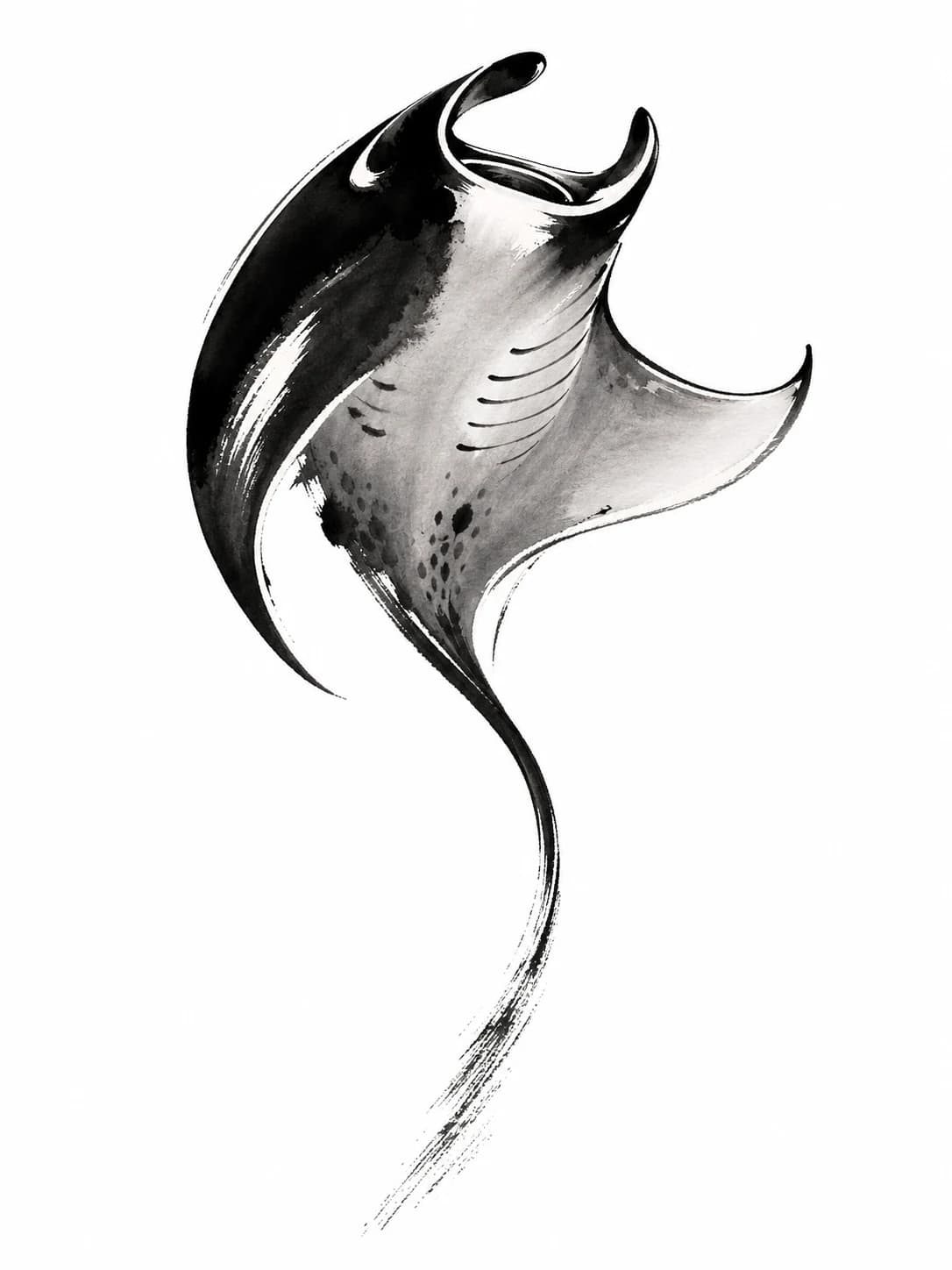
Abstract Ink · Black & Grey
Prompt
The same two-word prompt produced a broad gliding composition and a taller banking composition while keeping the manta ray recognizable.
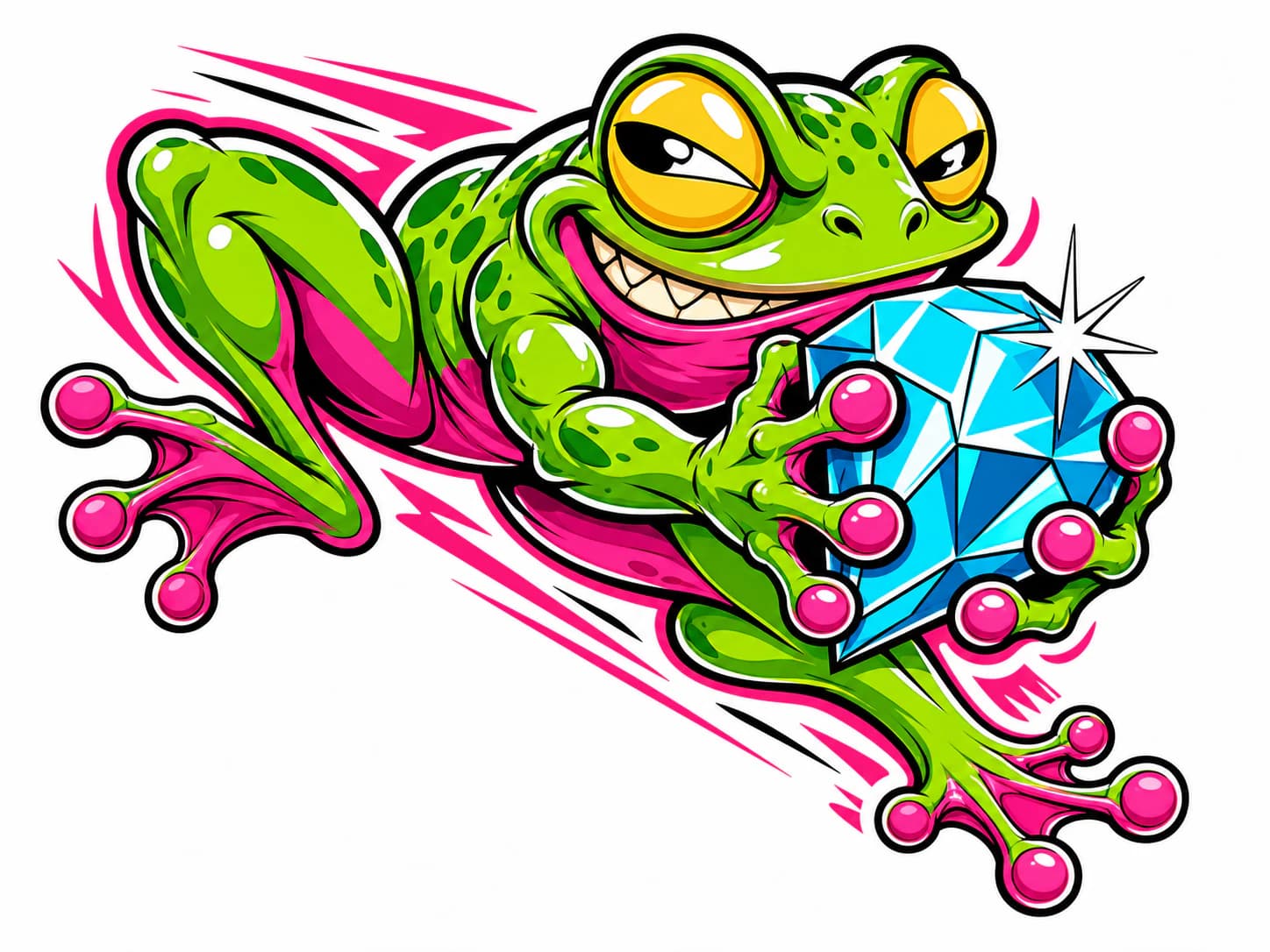
New School · Color
The New School concept turns the frog into a gem thief with an exaggerated expression, a jumping pose, and saturated color.
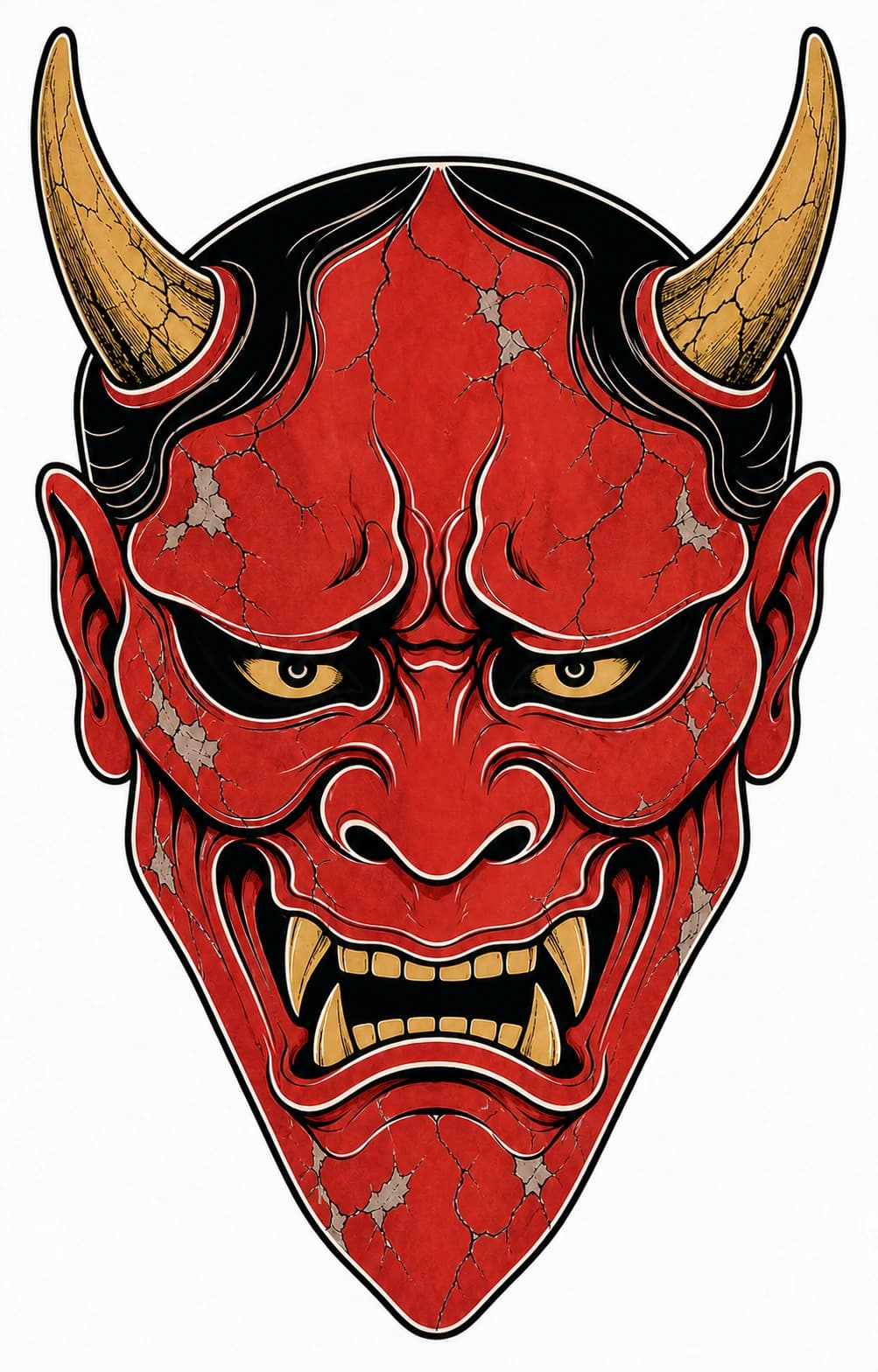
Japanese · Color
The Japanese tattoo concept concentrates the expression in one weathered vermilion Hannya mask with gold horns and fangs.
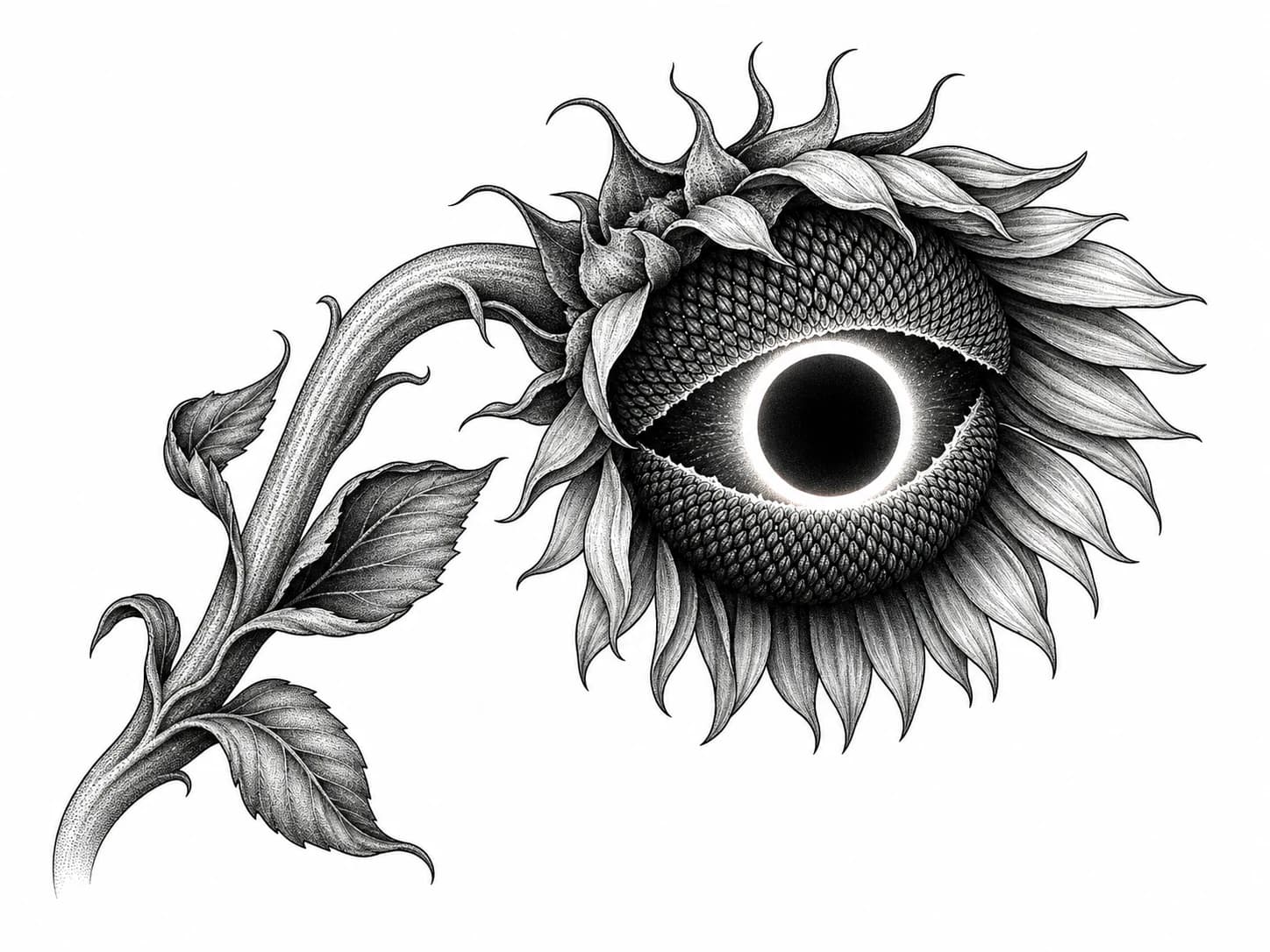
Surrealism · Black & Grey
The black-and-grey concept combines a sunflower and solar eclipse by placing one dark disc at the center of the petals.
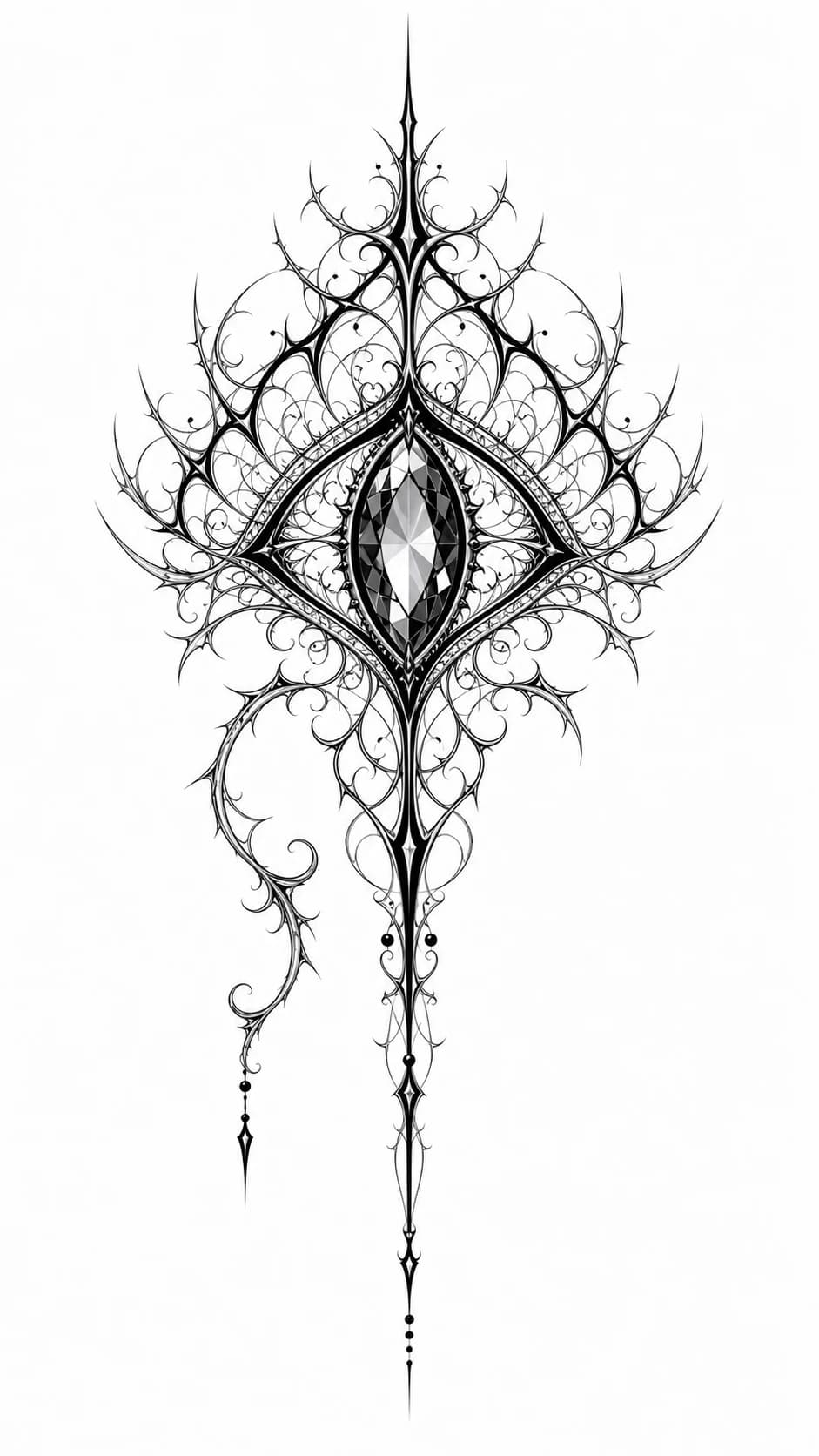
Ornamental · Black & Grey
The ornamental concept places a faceted eye inside thorned filigree and stretches the design into a narrow vertical shape.
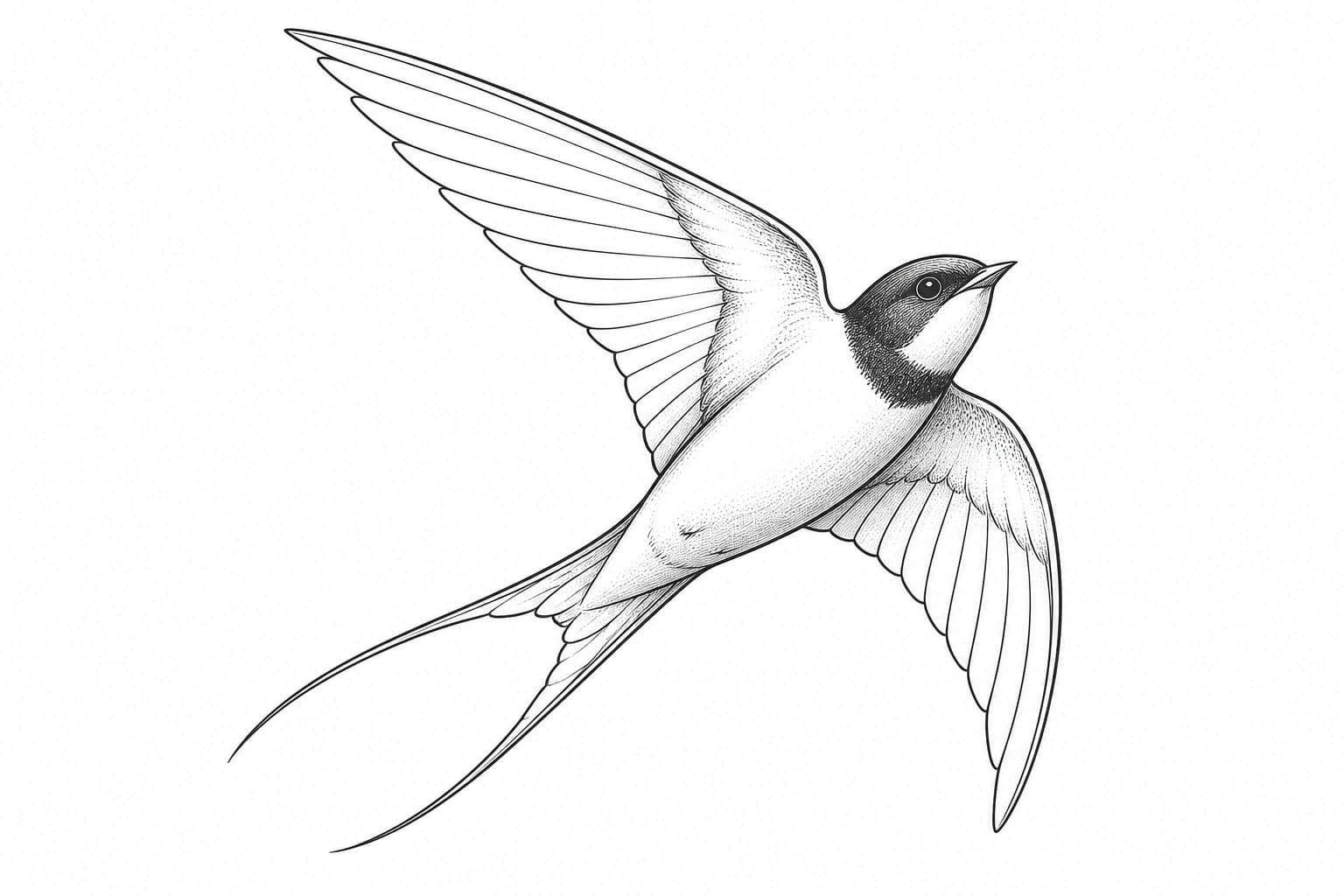
Fine Line · Black & Grey
The fine-line tattoo concept uses the swallow's banking pose, pointed wings, and forked tail to build one open diagonal silhouette.
Describe your idea, compare visual concepts, and choose a reference to develop with your artist
Write the subject or meaning in plain language. Add placement, size, or a must-keep detail when you already know it; a short sentence is enough.
Choose Best Match or one of 25 tattoo styles, then set Auto, Black & Grey, Color Accents, or Full Color. Some styles use their own fixed palette.
Compare different silhouettes, viewpoints, and compositions built from the same brief. Download one, let AI place it, or place it manually on your body photo.
Answers about AI tattoo prompts, styles, concept references, and working with a tattoo artist
Yes. Each account can make 1 free Generator request per hour and up to 2 per 30 days, with 2 watermarked concept directions per request. One-time passes and subscriptions add generations, remove watermarks, extend storage, and include priority support.
Start with the subject or meaning you want to see. If you know them, add the body placement, approximate size, direction of movement, color, literal text, or one detail that must stay recognizable. You do not need to write technical art instructions; a short sentence such as “a palm-sized koi on the outside of my calf, swimming upward” is enough.
BeforeOuch offers 25 tattoo style directions, including realism-oriented, Japanese-inspired, geometric, watercolor, fine line, and more. Pick one primary style per prompt to keep the concept focused.
AI-generated tattoo concepts are visual references, not finished tattoo designs. Use them to compare directions and communicate the subject, mood, style, and composition you prefer. Bring the selected concept to a professional tattoo artist, who can redraw it for your anatomy, placement, skin, technique, and long-term readability.
Generation time depends on the selected model, prompt complexity, and current server load. Each concept appears as soon as it is ready, so you do not need to wait for the whole set.
Yes. Choose Black & Grey, Full Color, or Color Accents for a mostly monochrome design with one focused pop of color. Auto lets the AI choose the treatment that best supports the subject and composition. Some styles use a fixed palette, so the color control is unavailable for those styles.
Create a visual starting point, compare what feels right, and bring a clearer direction to your tattoo artist.