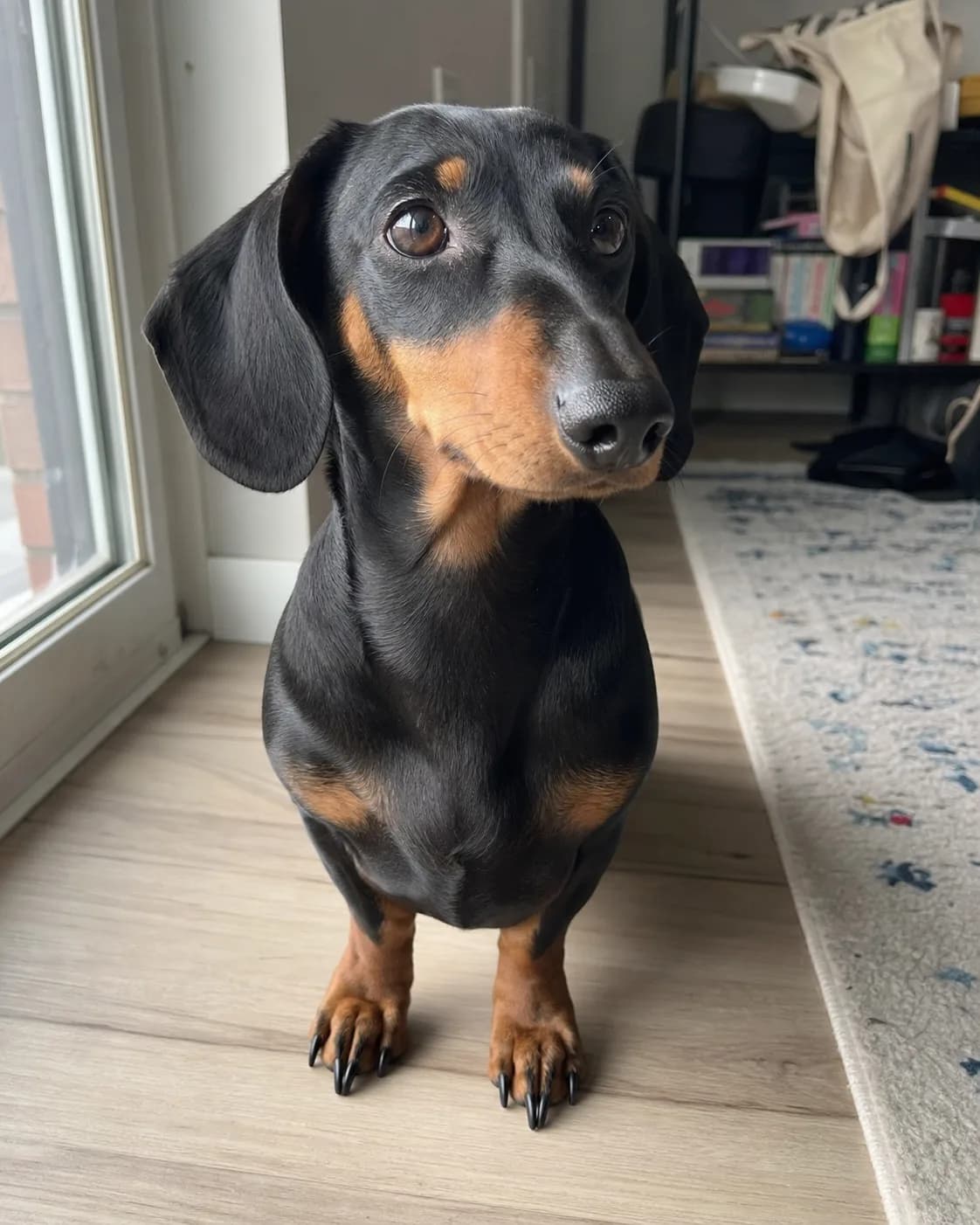
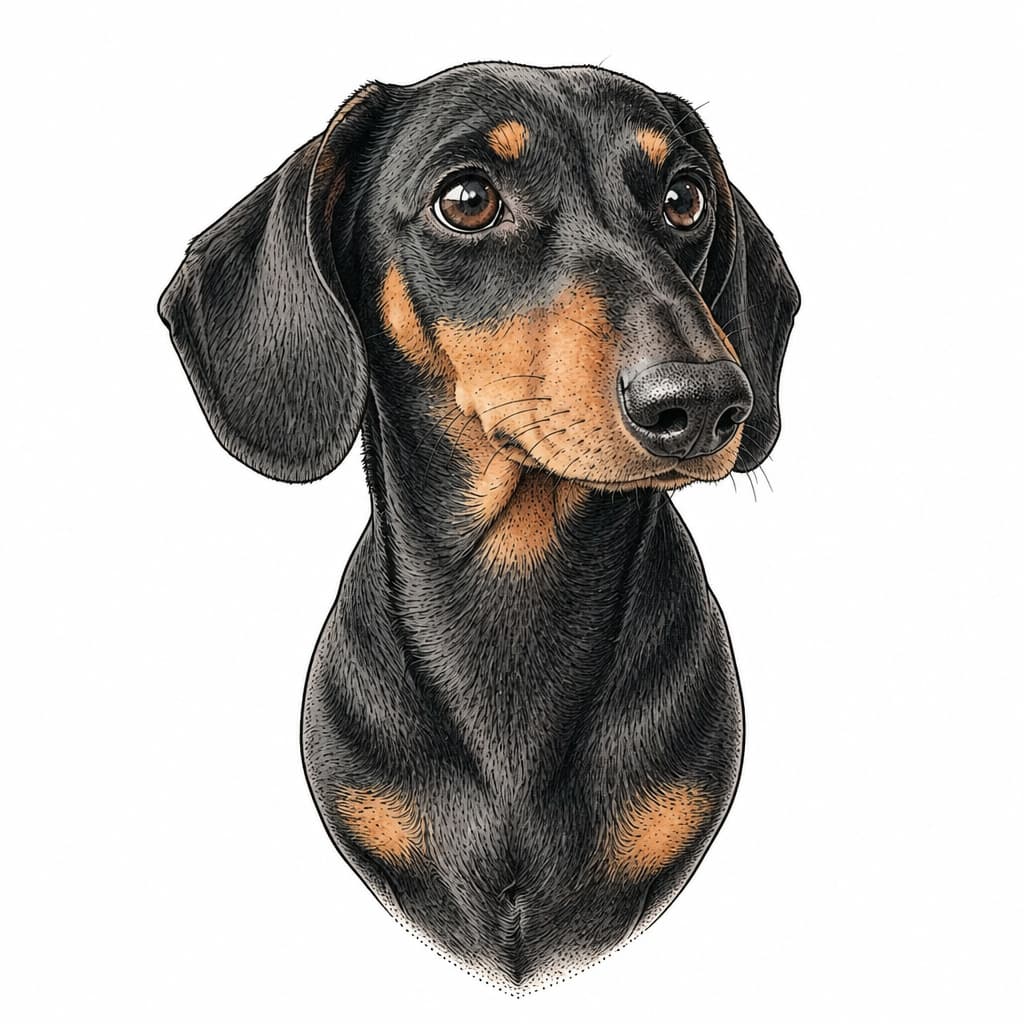
Pet photo to illustrative tattoo
The long ears, black-and-tan markings, head angle, and curious expression stay recognizable while the room disappears.
Turn your pet, portrait, or favorite object into a tattoo design.
Photo to Tattoo is for real-world source photos. It isolates one focal subject and translates the details that make it recognizable into standalone tattoo artwork.
The long ears, black-and-tan markings, head angle, and curious expression stay recognizable while the room disappears.
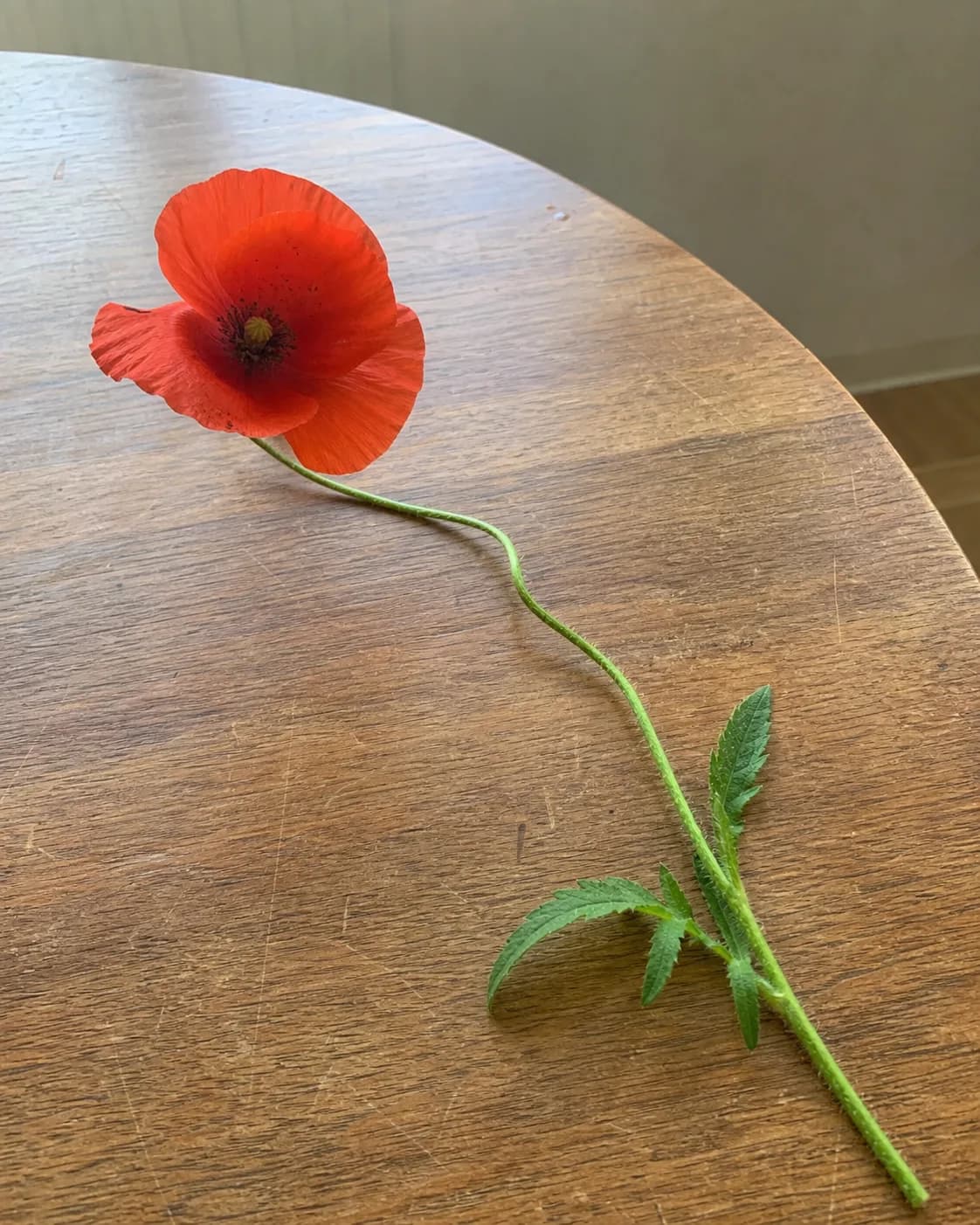
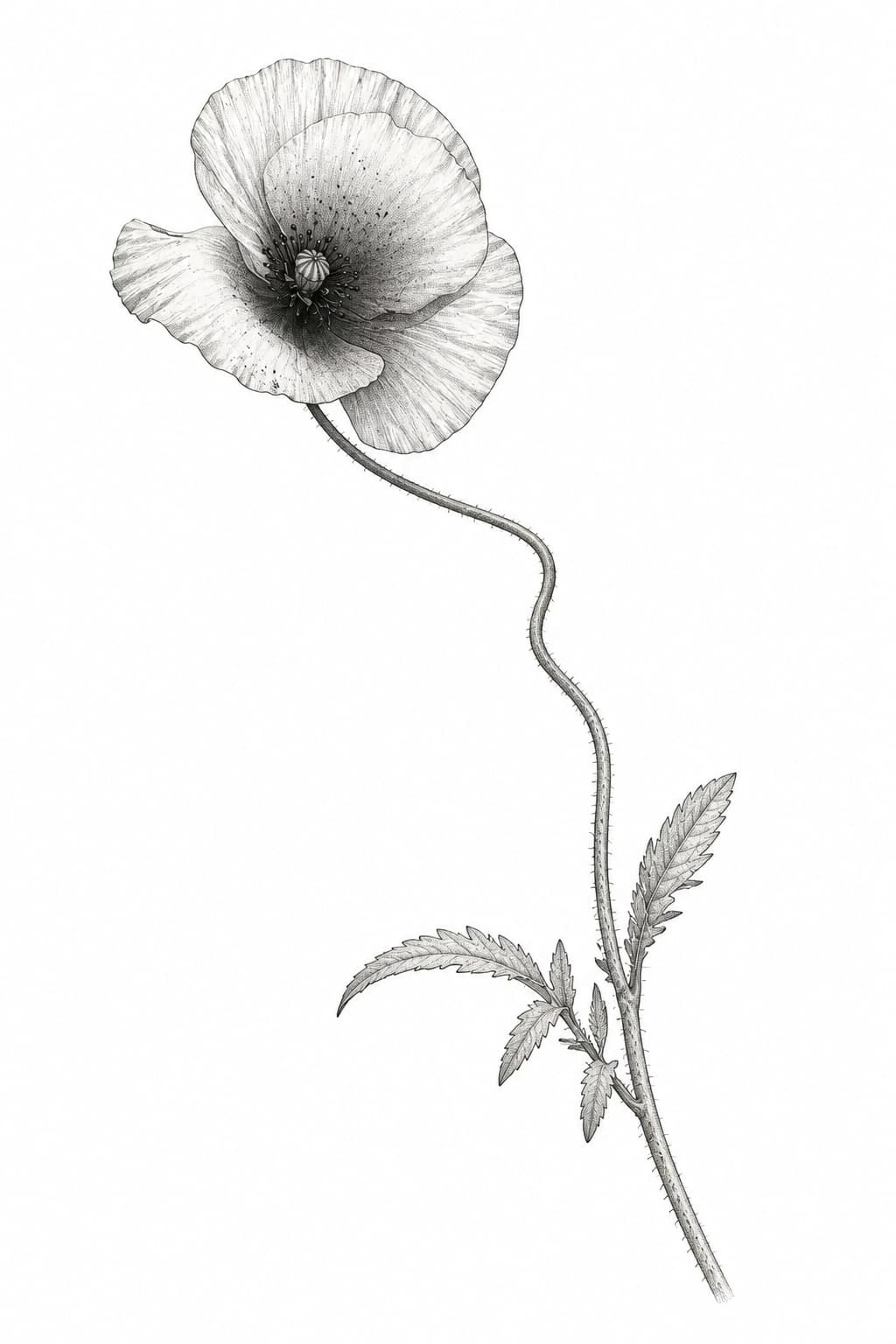
The tilted bloom, asymmetrical petals, and curved stem survive the translation; the table and room do not.
One source photo, a focused translation, and concepts you can discuss with your artist
Use a pet, person, flower, object, vehicle, building, or other real-world photo with one discernible focal subject. A casual phone photo is fine.
Let AI choose the look or select a style and color. Add one optional note for a marking, expression, pose, or asymmetry that matters.
Compare standalone concepts that keep the same subject identity. Download a reference or send one directly into AI or 3D Tattoo Try-On.
What to upload, what stays recognizable, and how to use the result
Use a real-world photo with one focal subject you can identify at a glance. Pets, portraits, flowers, keepsake objects, vehicles, and architecture can all work. A busy background is acceptable because the tool isolates the subject, but heavy blur or a tiny hidden subject gives it less evidence to preserve.
This page has one job: translating a real-world source photo into new standalone tattoo artwork. It detects body placement photos, tattoos already on skin, sketches, and isolated designs before using your monthly Photo request or a paid generation, then points you toward the matching workflow when one is available.
It aims to preserve identity-defining shape, pose, orientation, markings, expression, proportions, and asymmetry while translating photographic detail into a readable tattoo treatment. It is a concept reference rather than an exact photocopy or finished stencil.
Yes. After signing in, each account gets 1 free Photo to Tattoo request every 30 days with 2 watermarked concepts, counted separately from AI Generator. With paid access, each request uses 1 generation and returns 4 concepts without watermarks and with longer storage.
Yes. Open the actions on any finished concept and send it to AI Tattoo Try-On for suggested placements or 3D Tattoo Try-On for direct size, angle, and position control.
Use it as a visual reference for a professional tattoo artist. Your artist should adapt line spacing, contrast, scale, placement, skin, and long-term readability before tattooing it.
Turn one meaningful photo into visual tattoo directions you can compare, refine, and place.