Try-On Outputhealed ink
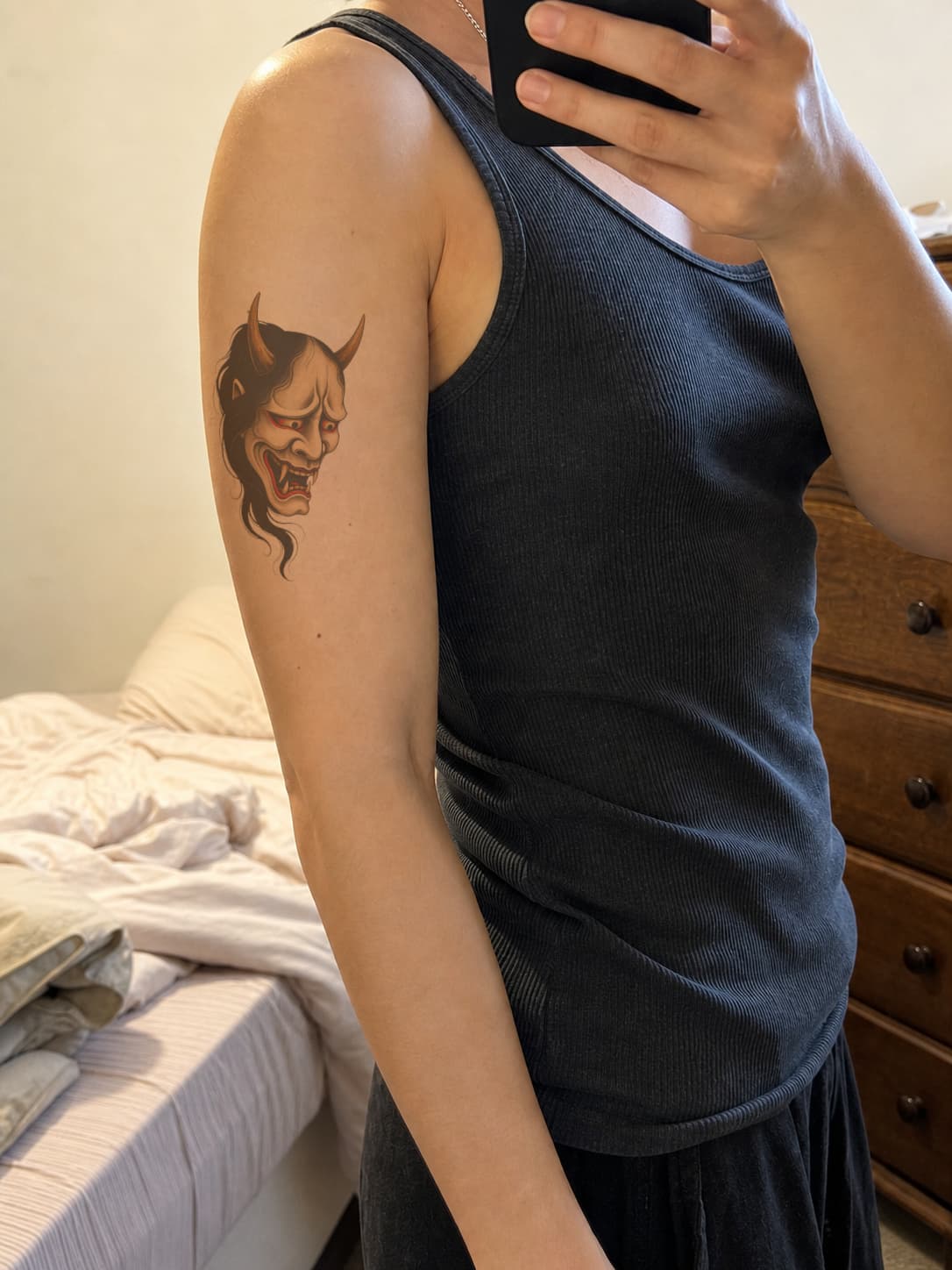
Upper arm
Follow the muscle, not the frame
Hannya · Medium placement
Upload a tattoo design and place it yourself. Drag, resize, rotate, and adjust how it follows your body without AI choosing the position.
AI-generated
Use manual controls to compare exact placement, body flow, and simulated fresh, healed, and aged ink views before your consultation.
AI-generated examples, body references included
Hannya · Medium placement
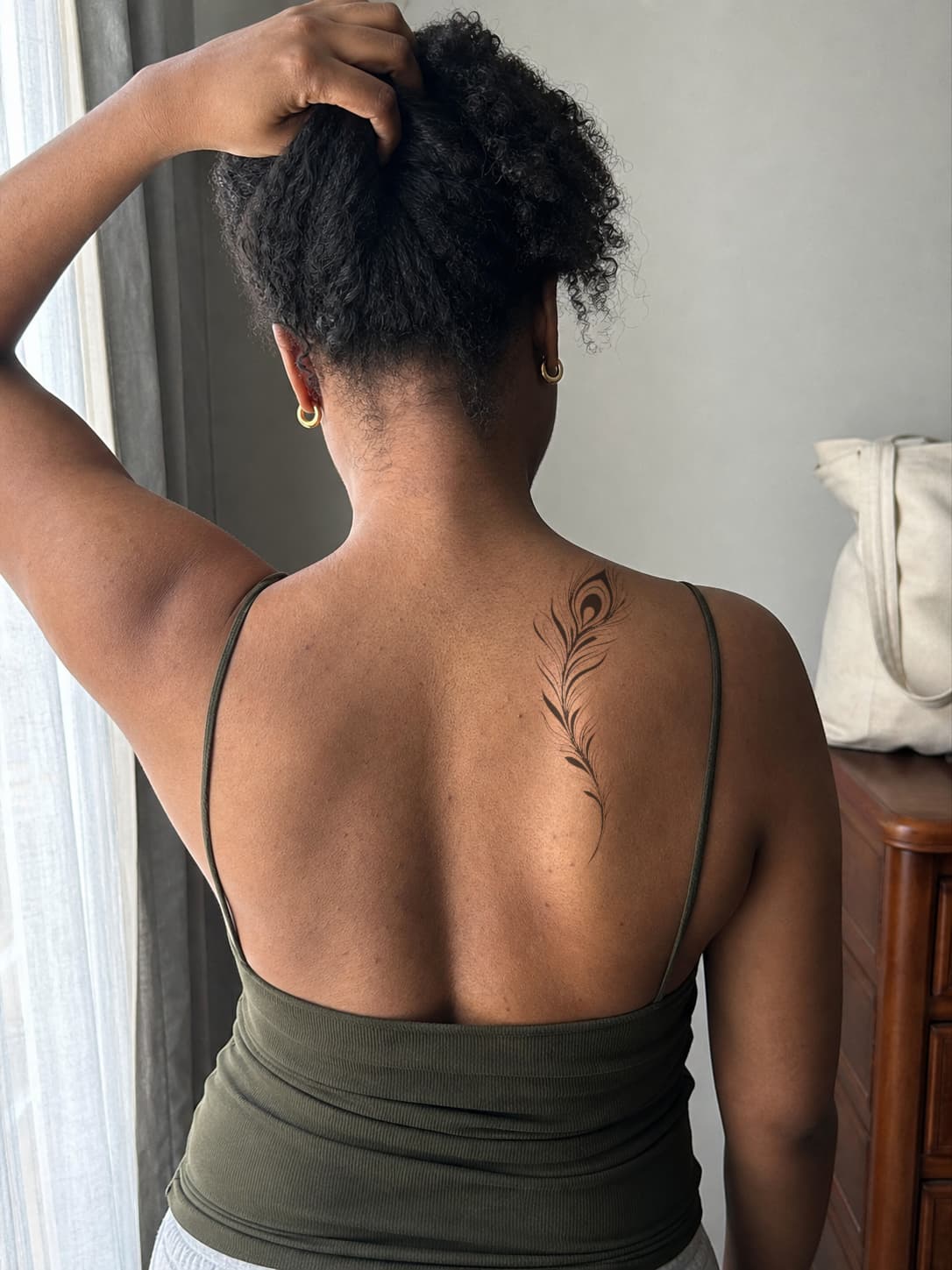
Upper back
Blackwork · Large placement
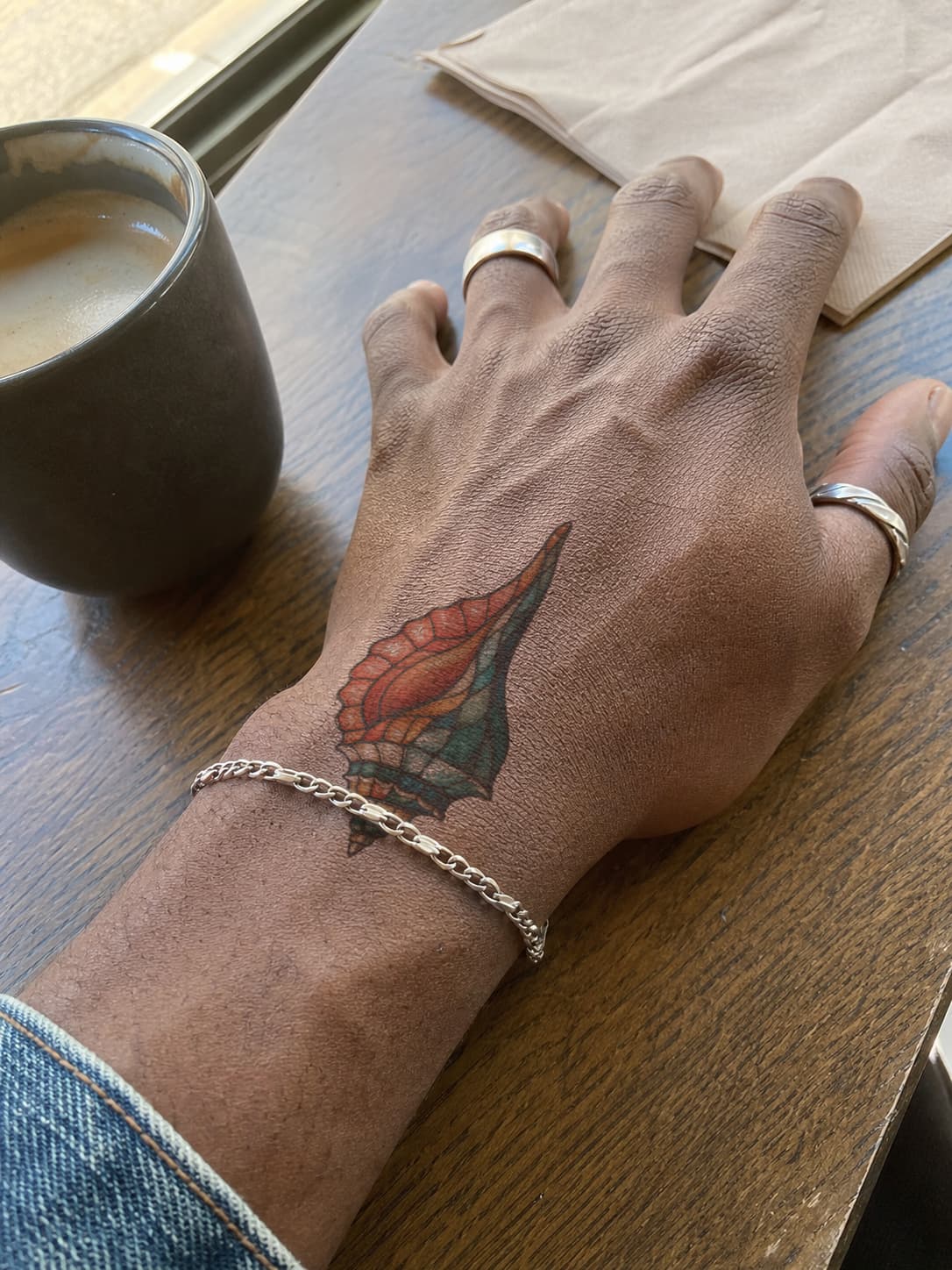
Hand & wrist
Color · Medium placement
Place and compare a tattoo design yourself in four steps
Use a clear, well-lit photo of the body area where you are considering the tattoo.
Upload a tattoo design or generated concept in PNG, JPG, or WebP format.
Drag, resize, rotate, and adjust how the design follows the intended body area.
Switch designs or timeline states, compare placement choices, and export a reference for your artist.
Answers about manual tattoo placement, body photo previews, downloads, privacy, and artist references
Upload a body photo and artwork, then position, resize, rotate, and fit the design to the visible body contour. The Free Trial prepares one body photo, which you can reuse while it remains available. Use the preview to plan placement, not predict the healed tattoo.
Yes. Keep the same body photo and switch between tattoo designs to compare them at a consistent size and location.
Use a clear, well-lit photo where the intended placement area is visible and in focus. You can compare placement on areas such as the forearm, upper arm, shoulder, chest, back, ribs, or leg. Avoid heavy shadows, blur, extreme angles, or cropped skin because they make size and placement harder to judge.
Yes. After uploading both images, you can drag, resize, and rotate the tattoo on your body photo. Compare smaller and larger versions or nearby placements before downloading the preview.
Use the 3D tattoo placement simulator when you want to drag, resize, rotate, and fit the design to your body yourself while keeping the body photo visually unchanged. Use AI Try-On when you want AI to propose 2 placements with free access or 3 per paid request.
No. The preview helps you plan placement, size, and orientation, but it cannot predict how the tattoo will look after it is applied and healed. Skin texture, body movement, ink behavior, and artist technique all affect the result. Use the preview as a reference for discussion with a professional artist.
Yes. Download the preview and share it with your tattoo artist as a reference for approximate size, angle, and placement. Your artist can then adapt the design for the body area, technique, and long-term readability.
Body photos and related outputs are automatically deleted after 7 days for free users or 30 days for paid users. BeforeOuch does not sell uploaded images or use them for marketing or AI model training.
Manually adjust the exact size, angle, position, and body fit, then download a placement reference for your artist.